Windows app + separate Senlo Voice NEW
A new face.
Same you.
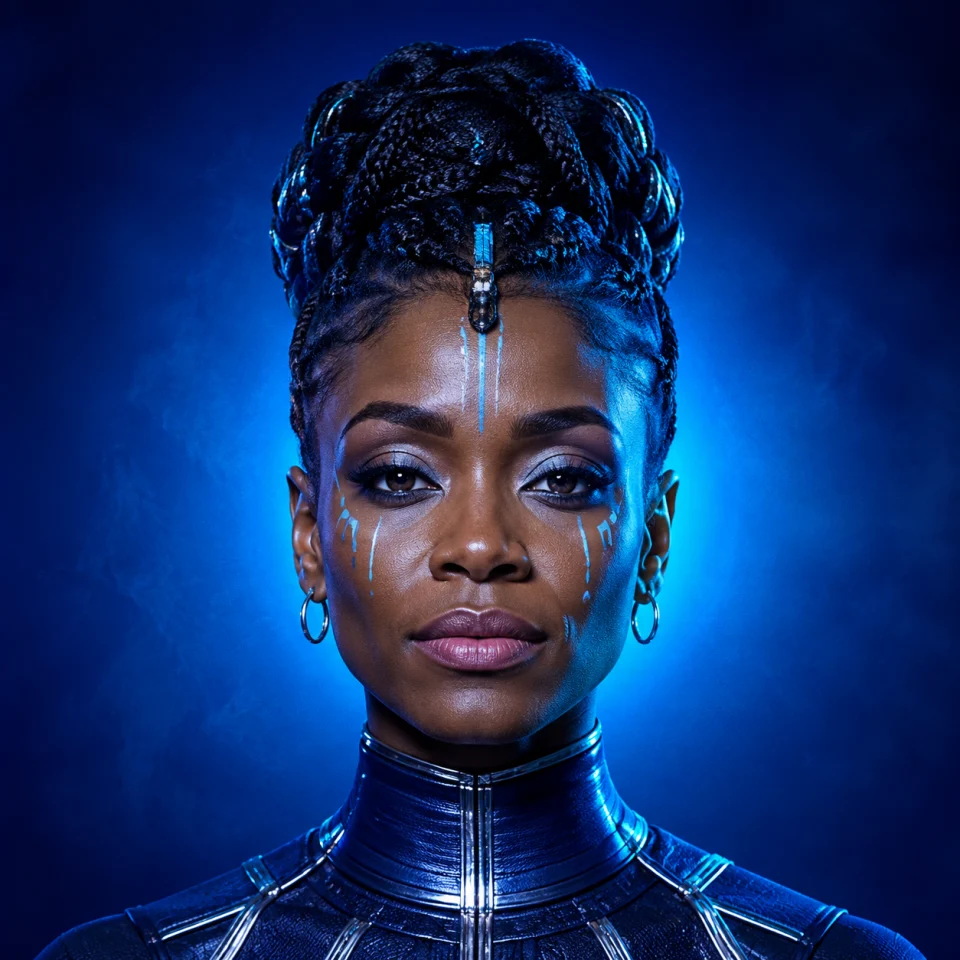
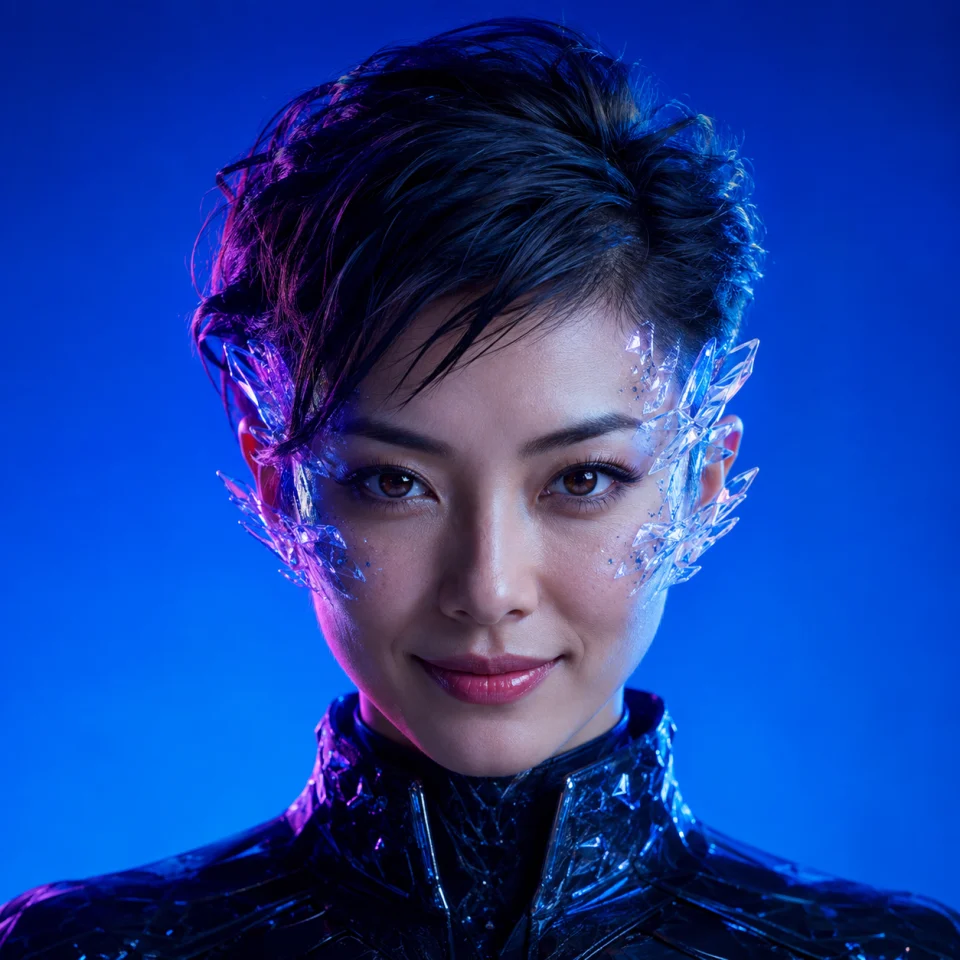
Your expressions. Your movement. A whole new character—for comedy, creative livestreams and calls where everyone knows it’s AI.
LIVE VIDEO FOR YOUR CALLS
Senlo Face for Windows
Built-in virtual camera. Same account and video credits.
Looking for voice conversion? Download Senlo Voice separately. Use either app on its own, with the same login. Voice minutes are separate; live AI generation uses your existing studio credits.
Mac coming soonCamera requirements
Two camera options, one studio. You may see Senlo Face and, on Windows 11, Senlo Face (Windows Virtual Camera). Choose the one that works in your calling app.
Don’t see the camera? Open Senlo Face first, then restart your calling app. Allow camera access in Windows and in the calling app. The virtual camera stays blank until you start live generation—your free camera preview is not broadcast.
Windows 11 recommended. Requires a Windows x64 PC, a webcam and an internet connection. App and Windows versions can affect compatibility; not every calling app accepts virtual cameras. Mac is not available yet. Use portraits you have permission to use and let others know your video is AI-transformed.
FROM PORTRAIT TO VIDEO CALL
Less setup.
More you.
Three steps in the Windows app.
No OBS. No screen cropping.
- 01
Pick your character.
Try a sample or upload a portrait you have permission to use.
- 02
Preview. Then go live.
Check your camera and framing for free. Start live generation when you’re ready.
Preview first. No credits used. - 03
Bring it to your call.
Select Senlo Face in your calling app’s camera settings. Keep the studio open.
Built-in virtual camera

YOUR NEXT CHARACTER IS WAITING